






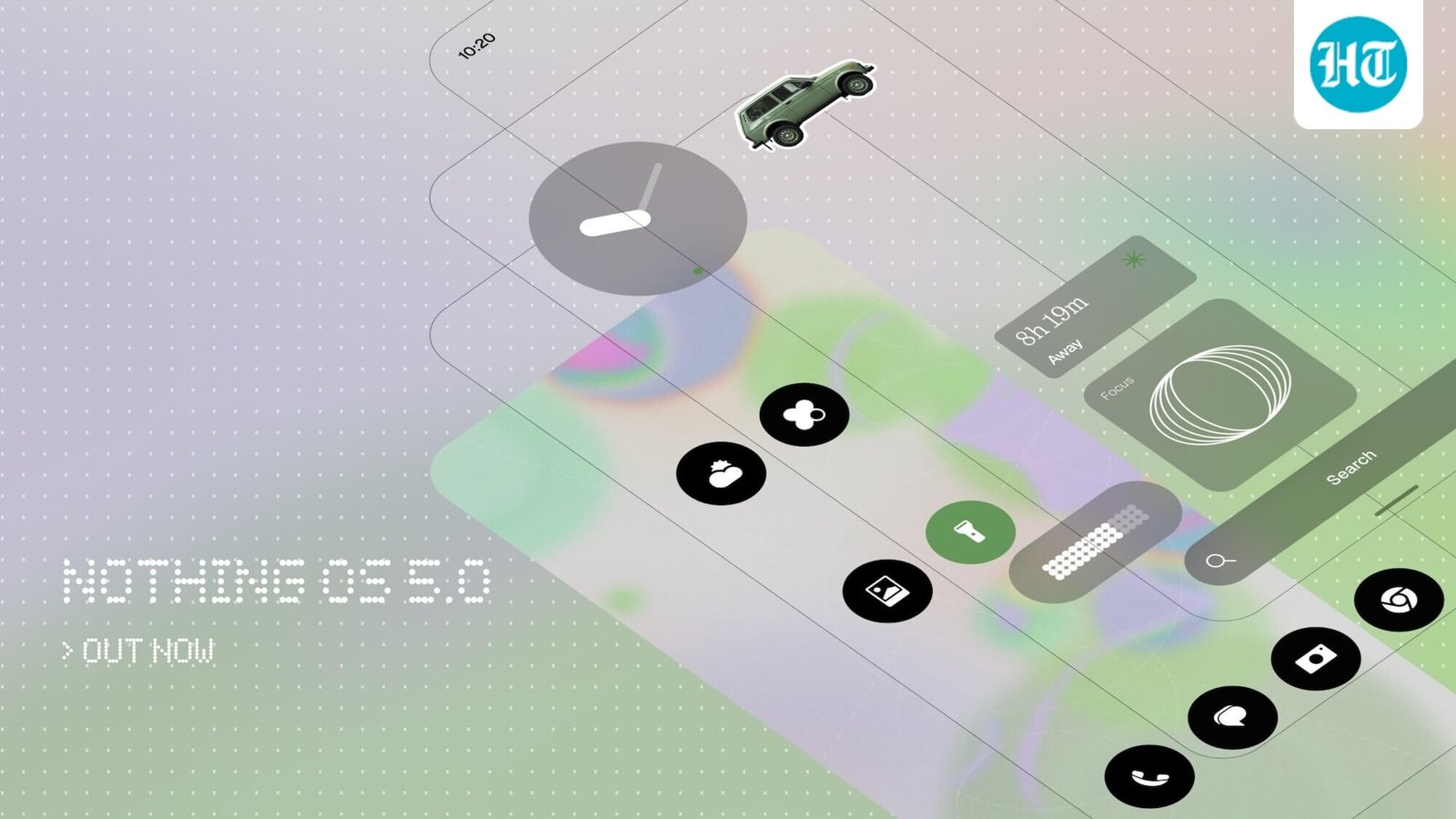
Nothing has officially announced Nothing OS 5.0, its next major software update based on Android 17. The new version brings a refreshed design, deeper home screen customisation, improvements to Essential AI tools and smoother system performance. Nothing is also making several Android 17 features part of the update, including separate Notifications and Quick Settings and improved Quick Share.
The Nothing OS 5.0 Open Beta starts today, August 26, with the Nothing Phone (3) being the first device to get access.
Nothing OS 5.0 gets a new look
The most noticeable change in Nothing OS 5.0 is the redesigned interface. Nothing has introduced the Geist typeface along with updated icons, spacing, layouts and animations across Settings, Camera, Gallery and the status bar.
The home screen is also getting more customisation options. App icons and widgets can now adapt their colours based on the wallpaper, while transparent elements add more depth to the interface. Users will also be able to move multiple apps and widgets together with the new batch editing option.
The lock screen gets two new clock styles. Gooey offers a more playful design, while Micrographics combines information such as the date, weather and upcoming meetings in a single view. However, the Micrographics clock and redesigned launcher will not be available in the Open Beta and are scheduled to arrive with the general release.
Glyph gets its own app
Nothing is also making it easier to control its Glyph Interface. A new dedicated Glyph app brings supported Glyph features, sounds, ringtones and schedules into one place.
There is also a new Glyph Timer widget that can be started directly from the home screen. Once activated, the Glyph lights on the back of the phone can show the remaining countdown, allowing users to check the timer without repeatedly turning on the display.
Nothing is also adding Away Time and Collector widgets. Away Time tracks how long users stay away from their phones, while Collector lets them turn photos into visual collections on the home screen or lock screen.
Essential AI gets more useful
Essential Space is getting Smart Collections, which can identify related captures and suggest content that could be added to an existing collection. Nothing is also improving Essential Voice with real-time transcription and better formatting for notes.
Another notable addition is Essential Apps Builder. Users can now describe the tool they want in natural language, refine the result and add it directly to the home screen without writing code. The feature remains in beta and will gradually reach more users.
Nothing is also adding Model Context Protocol support to Essential Space. This allows compatible AI platforms to access selected information stored in Essential Space. MCP support will roll out through Google Play in October.
Android 17 brings more changes
Nothing OS 5.0 is based on Android 17, so users will also get several platform-level features. One of the more useful changes is the ability to separate Notifications and Quick Settings into two panels.
Quick Share is also getting an upgrade. Users can generate a QR code when sharing files, allowing someone on an iPhone or another Android device to scan it and download the files through a secure web link.
Android 17 also brings improved screen recording, clearer privacy indicators, expanded Dark Theme support, Noto 3D Emoji and brighter HDR content.
Nothing OS 5.0 rollout and beta timeline
The Nothing OS 5.0 Open Beta starts today, initially for the Nothing Phone (3). More eligible phones will join the beta programme over the coming months.
The stable Nothing OS 5.0 rollout will begin with the Nothing Phone (3) from October, with other eligible devices receiving the update in phases. Nothing says the rollout schedule may change depending on development and testing.
The redesigned launcher and Micrographics clock will only arrive with the general release, starting in October. The company has not yet provided a single date for the stable rollout across all supported devices.


