






Video editing demands more from a monitor than resolution and screen size. Accurate colour is most important when grading footage, while good contrast, brightness, and sharpness help editors spot subtle details without second-guessing what they see.
These considerations matter even more during long editing sessions, when an adjustable stand, a comfortable viewing experience, and useful connectivity can make the workflow easier.
However, not every editor needs the same kind of display. A colour-focused IPS monitor can make more sense for professional work, while an OLED panel can offer deeper blacks and stronger contrast, and an ultrawide screen can provide more room for timelines and editing tools. This list brings together monitors with different strengths, helping you weigh display quality, colour coverage, connectivity, and ergonomics against the demands of your editing workflow.
The BenQ MOBIUZ EX271Q takes a more versatile approach to video editing, pairing a 27-inch QHD IPS panel with wide colour coverage and HDR support. Its 95% P3 coverage supports colour-critical work, while the high refresh rate keeps everyday use smooth. USB-C connectivity, KVM support, and an adjustable stand further enhance practicality for creators managing multiple devices.
What are buyers saying on Amazon?
Buyers generally praise the monitor’s sharp picture quality, high refresh rate, colour reproduction and adjustment options. Some also appreciate its connectivity and versatility. However, reviews note the lack of built-in speakers, and one buyer reported issues with brightness, streaking and the USB-C connection.
Why should you consider buying this monitor?
The EX271Q is worth considering if you want a single monitor that balances editing and gaming. Its QHD IPS panel, 95% P3 coverage, HDR support and USB-C connectivity make it versatile, while the adjustable stand and KVM switch can simplify a multi-device workstation.
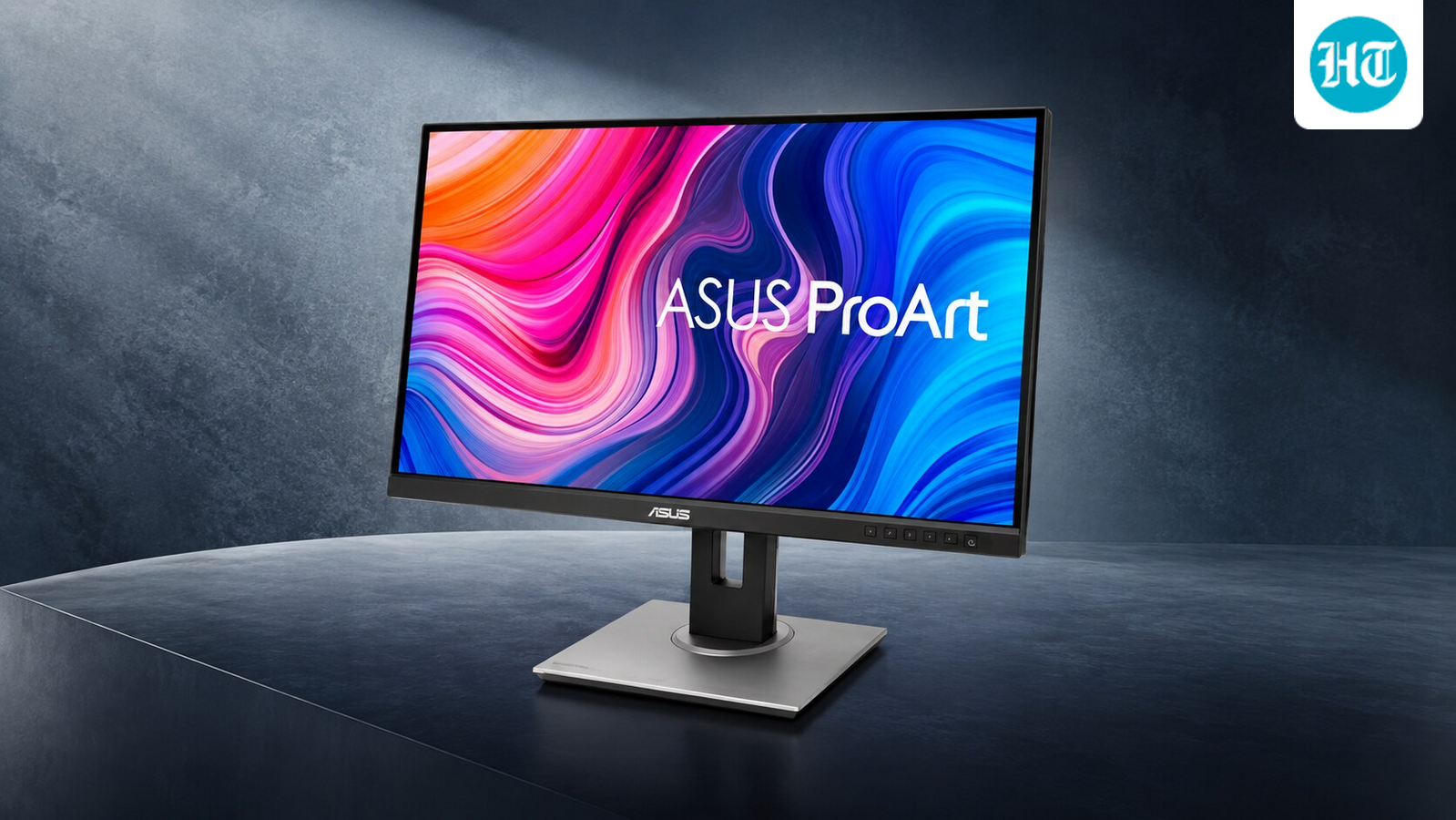
The PA278QV is designed for editors who prioritise colour accuracy and consistency. Its 27-inch QHD IPS panel covers the sRGB and Rec. 709 colour spaces, while factory calibration and Calman verification give you confidence when working with colour-sensitive footage. The ergonomic stand and wide range of inputs further suit editing setups.
What are buyers saying on Amazon?
Buyers generally appreciate the monitor’s colour accuracy, sharp QHD display and professional-oriented features. Its ergonomic stand and extensive connectivity also suit workstations well. However, its 75Hz refresh rate and lack of USB-C make it less appealing to users seeking newer, faster or more connected displays.
Why should you consider buying this monitor?
The PA278QV suits editors who prioritise colour accuracy over gaming performance. Its factory calibration, Calman verification, full sRGB and Rec. 709 coverage, and QHD resolution provide a strong foundation for video editing, while the adjustable stand helps create a comfortable workstation.
The BenQ PD2706QN targets creators who prioritise reliable colour accuracy over gaming-focused speed. Its 27-inch QHD IPS panel covers 100% sRGB and Rec.709, and 95% P3. A factory calibration report, Calman verification and Pantone validation add confidence when editing colour-sensitive footage. Its 90W USB-C connection, KVM support and daisy-chaining also make it well suited to modern editing workstations.
What are buyers saying on Amazon?
Buyers generally rate the monitor positively for its colour accuracy, sharp QHD panel and connectivity. Its professional features appeal to creative work, though users seeking 4K resolution or stronger gaming performance may find it less suitable.
Why should you consider buying this monitor?
The PD2706QN is worth considering if accurate colour and a flexible workstation are more important than gaming performance. Its wide colour gamut, factory calibration, professional certifications, 90W USB-C and daisy-chain support make it particularly suitable for video editors and other creative professionals.
The Alienware AW2726DM takes a gaming-first approach while offering display characteristics that also benefit video editors. Its QHD QD-OLED panel delivers deep contrast and 99% DCI-P3 coverage, while the 240Hz refresh rate and 0.03ms response time ensure exceptionally smooth motion. The ergonomic stand adds flexibility for longer editing sessions.
What are buyers saying on Amazon?
Buyers generally appreciate the monitor’s vibrant colours, deep contrast, fast response time and high refresh rate. Its QD-OLED panel is particularly appealing for gaming and visually rich content, although users focused on professional editing may find the QHD resolution and gaming-oriented feature set less compelling.
Why should you consider buying this monitor?
The AW2726DM makes sense if you want a monitor that can handle both video editing and high-refresh-rate gaming. Its QD-OLED panel, 99% DCI-P3 coverage and infinite contrast can benefit visually demanding work, while 240Hz performance adds versatility beyond the editing desk.
The MSI MAG 341CQP QD-OLED offers video editors a spacious 34-inch ultrawide canvas for managing timelines and multiple windows. Its QD-OLED panel delivers deep blacks, vibrant colours and 99% DCI-P3 coverage, while Delta E ≤2 accuracy supports colour-sensitive work. The 1800R curve enhances the immersive viewing experience.
What are buyers saying on Amazon?
Buyers generally value the monitor’s QD-OLED picture quality, vibrant colours, deep blacks and ultrawide format. Its high refresh rate also makes it versatile for gaming. However, the curved 34-inch design and 1440p resolution may not suit editors who prefer a flat, higher-resolution display.
Why should you consider buying this monitor?
The MAG 341CQP is worth considering if you want a spacious editing workspace without compromising on strong colour performance. Its 34-inch ultrawide QD-OLED panel, 99% DCI-P3 coverage, and Delta E ≤2 accuracy make it well suited to colour-sensitive work, while KVM and USB-C add workstation flexibility.
Q1. What should I prioritise in a monitor for video editing?
Start with colour accuracy and colour-gamut coverage, particularly if you work with colour grading. Look for strong coverage of sRGB, Rec. 709, or DCI-P3, ideally with factory calibration or verification. Resolution and contrast also matter, especially for detailed footage or HDR content.
Q2. Should I choose an IPS, OLED or ultrawide monitor for video editing?
Choose based on your workflow, not panel type alone. IPS models can be strong choices for colour-critical work, while OLED displays offer deeper blacks and excellent contrast, making them well suited to HDR and dark scenes. An ultrawide is useful if you want more horizontal space for timelines and multiple editing windows.
How Do These Monitors Stack Up?
Disclaimer: At Hindustan Times, we help you stay up-to-date with the latest trends and products. Hindustan Times has an affiliate partnership, so we may get a part of the revenue when you make a purchase. We shall not be liable for any claim under applicable laws, including but not limited to the Consumer Protection Act, 2019, with respect to the products. The products listed in this article are in no particular order of priority.


