






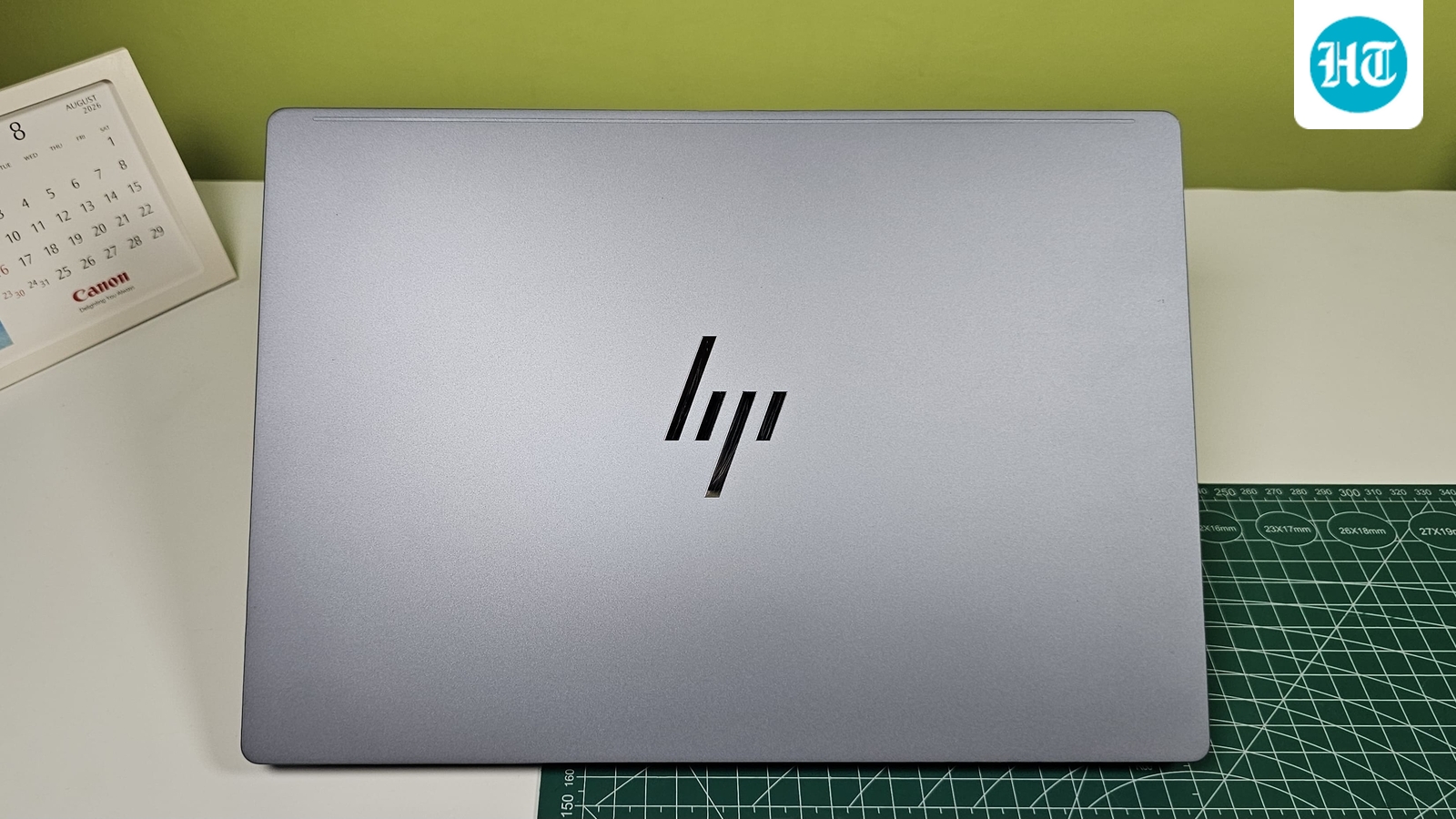
I have reviewed more than a dozen Snapdragon-powered laptops, and what amazed me the most was the battery life. Coming from an era when laptops weren’t even supposed to last more than an hour or two, this feels like the upgrade I have wanted my whole life. And still, you are not missing out on any significant features, whether it is performance, thermal management or fan noise.
So, if you need a laptop for your classes that can last through the whole day, look no further than Snapdragon laptops. And to make your choice a bit simpler, here are the options you should consider.
The HP OmniBook 5 brings a premium OLED display and Snapdragon X platform to a lightweight 14 inch laptop. Its 16GB LPDDR5x RAM and 512GB SSD are suited to everyday productivity, while the 45 TOPS NPU enables Copilot+ PC features. The 2K OLED panel should appeal to users who watch plenty of content or want sharper visuals. At 1.29kg, it is also easy to carry, while HP claims multi day battery life for longer periods away from a charger.
What are buyers saying?
Users generally praise the lightweight design, OLED display and battery endurance. Some reviews of Snapdragon models, however, mention occasional performance limitations when multitasking or running demanding applications.
Why you should choose this product?
Choose this laptop if portability, battery life and display quality matter more than gaming performance. The OLED panel and Snapdragon platform make it particularly suitable for everyday work and entertainment.
The ASUS Vivobook 16 is designed for users who want a large screen without moving to a heavier performance laptop. It combines Snapdragon X with 16GB LPDDR5x RAM, 512GB SSD storage and a 45 TOPS NPU. The 16 inch 16:10 FHD+ display gives you more vertical workspace for documents and browsing. Other useful additions include an IR camera, backlit keyboard, Wi Fi 6E and a 50Wh battery. At 1.88kg, it remains reasonably portable for its screen size.
What are buyers saying?
Buyers particularly mention the good battery backup and smooth everyday operation. Some users have reported problems with gaming and occasional hanging, while others say printers and regular productivity software work without issues.
Why you should choose this product?
Choose it if you want a large 16 inch workspace, long battery life and enough memory for everyday multitasking without needing dedicated graphics or gaming focused hardware.
The Lenovo IdeaPad Slim 3X is a 15.3 inch Copilot+ PC built around Qualcomm’s Snapdragon X platform. It combines 16GB LPDDR5x memory with 512GB SSD storage and a 45 TOPS NPU for Microsoft’s AI features. The WUXGA IPS screen provides a 16:10 workspace, while the 60Wh battery is designed for long sessions away from a charger. Its Luna Grey chassis keeps the design understated, making it suitable for students, office users and remote workers.
What are buyers saying?
Reviews commonly praise its battery life, keyboard and smooth everyday performance. The main complaints centre around the relatively dull display, modest speakers and weak graphics performance for gaming.
Why you should choose this product?
Choose it if battery endurance is a priority and your workload mainly involves browsing, documents, video calls and streaming. The large battery and efficient Snapdragon platform suit mobile productivity well.
The HP OmniBook 3 is a compact Snapdragon powered laptop aimed at everyday productivity. It packs 16GB LPDDR5x RAM, a 512GB SSD and a 45 TOPS NPU into a 14 inch chassis weighing around 1.42kg. Its 2K WUXGA anti glare display offers more workspace than standard Full HD panels, while the FHD IR camera supports Windows Hello. HP also includes a smaller charger, making the overall setup easier to carry for work or study.
What are buyers saying?
Reviews praise the responsive everyday performance, fast storage and capable multitasking. The build is sturdy but not particularly premium, while the display and design are positioned more towards practicality than luxury.
Why you should choose this product?
Choose the OmniBook 3 if you want a lightweight productivity laptop with plenty of memory, fast storage, a sharp display and useful biometric features without moving to a heavier machine.
The Dell Inspiron 14 Plus combines Snapdragon X Plus performance with a sharp QHD+ touchscreen and a relatively compact 1.4kg design. Its 16GB LPDDR5x RAM and 512GB SSD provide enough headroom for everyday productivity, while the Qualcomm Adreno GPU handles basic graphics duties. The 400 nit display supports a detailed 2560 x 1600 resolution, and features such as a fingerprint reader, backlit keyboard, Wi Fi 7 and infrared camera make it well equipped for work.
What are buyers saying?
Reviews generally praise the bright display, battery life, keyboard and cool thermals. Some reviewers criticise the display’s colour coverage and note that graphics performance is modest for demanding workloads.
Why you should choose this product?
Choose it if you want a sharp touchscreen, long battery life and strong everyday productivity performance in a compact chassis, particularly for office work and frequent travel.
This Lenovo IdeaPad Slim 3X configuration adds a touchscreen and Wi Fi 7 to the Snapdragon X platform. It has 16GB LPDDR5x RAM and a 512GB SSD, providing a sensible setup for everyday productivity. The 15 inch WUXGA IPS touchscreen offers a larger workspace and supports touch interaction, while the Qualcomm Adreno GPU handles basic graphics. A 720p webcam and Windows 11 Home complete the package, making it suitable for students and home or office users.
What are buyers saying?
Feedback around the IdeaPad Slim 3X family highlights excellent battery life, comfortable typing and responsive everyday performance. Reviewers also point to the relatively ordinary display and weak graphics as compromises.
Why you should choose this product?
Choose this version if you specifically want a larger touchscreen with Snapdragon efficiency. It makes sense for students and office users who value battery life and touch interaction over graphics performance.
The Microsoft Surface Laptop 13 is a compact Copilot+ PC built around the eight core Snapdragon X Plus processor. It combines 16GB LPDDR5x RAM with 256GB storage and a 13 inch PixelSense touchscreen with a 3:2 aspect ratio. Its compact aluminium design weighs around 1.22kg, making it particularly travel friendly. Battery life is a major strength, while the keyboard and trackpad have received positive reviews. Windows on ARM compatibility remains an important consideration.
What are buyers saying?
Buyers generally praise the premium build, portability, keyboard, battery life and touchscreen. Review coverage also flags the limited 256GB storage and occasional application compatibility issues as important considerations.
Why you should choose this product?
Choose it if portability, build quality, battery life and a compact touchscreen matter most. The Surface Laptop 13 is particularly suited to students, frequent travellers and everyday productivity users.
Factors to consider when buying a laptop
- Battery life: Look for a laptop that can comfortably last through your school day without needing a charger between classes.
- Performance: Choose a processor that can handle everyday tasks such as browsing, documents, video calls and streaming without slowing down.
- Portability: A lightweight and slim laptop is easier to carry between classrooms, home and college every day.
- Display: A sharp, bright display with comfortable viewing angles can make reading notes, watching lectures and working on assignments easier.
- Connectivity: Check the selection of USB ports, headphone jack, Wi-Fi, and Bluetooth to ensure you can connect your everyday accessories easily.
Snapdragon laptop specs comparison
Disclaimer: At Hindustan Times, we help you stay up-to-date with the latest trends and products. Hindustan Times has an affiliate partnership, so we may get a part of the revenue when you make a purchase. We shall not be liable for any claim under applicable laws, including but not limited to the Consumer Protection Act, 2019, with respect to the products. The products listed in this article are in no particular order of priority.


