






Almost every trip brings a change of address. Whether you’re checking into a hotel, renting an apartment or staying with a local host, you’re suddenly living in an unfamiliar space. But do you really know how to check whether your temporary home is safe? As travellers move between cities and countries, a few simple digital and physical safety checks can help protect personal information, devices and privacy during a stay.Here, Kaspersky shares digital‑life hacks that help you protect yourself and make every stay in a new hotel a little more secure:Step 1: Secure your internet connection
Internet connection (Canva)
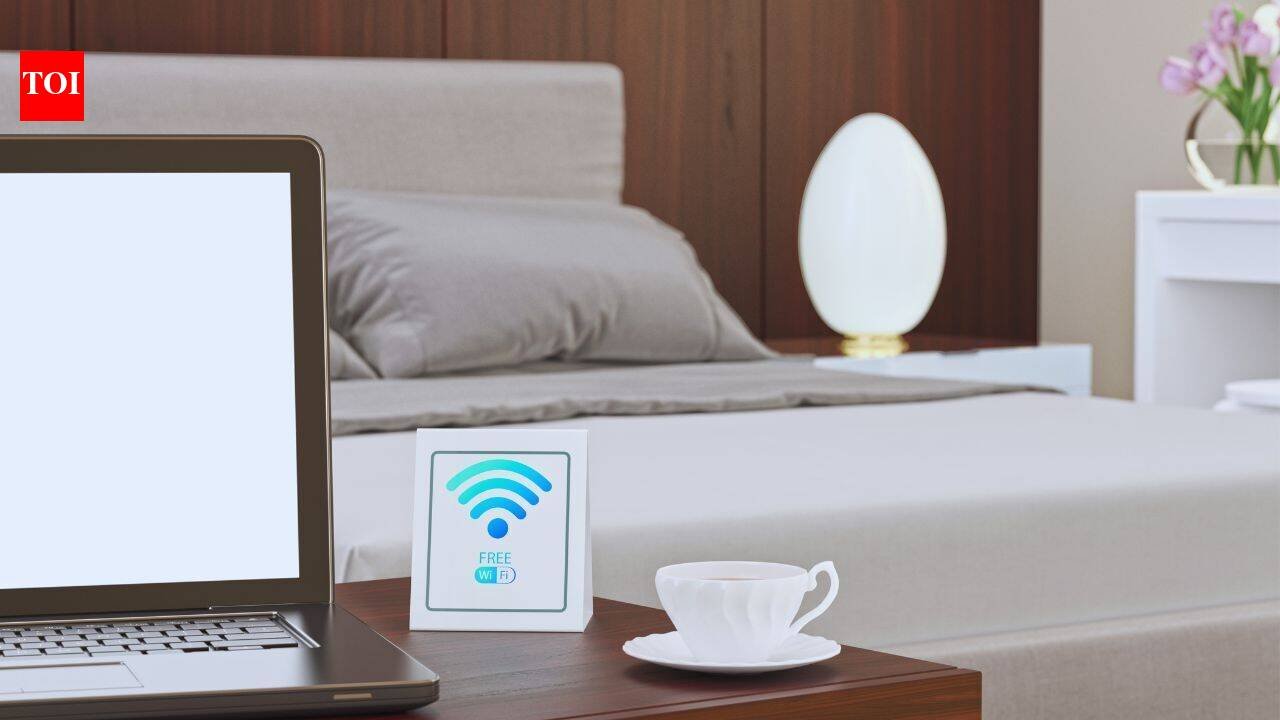
Hotels and guesthouses often invite guests to join their free Wi-Fi. While convenient, public or poorly secured networks can carry security risks. Open Wi-Fi networks may lack strong encryption and authentication, making it possible for attackers on the same network to intercept or manipulate traffic. There is also a risk of connecting to a fake hotspot designed to resemble the property’s official network.Travellers should avoid accessing sensitive accounts or carrying out financial transactions on unfamiliar networks unless they have additional protection in place. Using a trusted VPN can encrypt internet traffic, while using mobile data or an eSIM can be an alternative to public Wi-Fi when travelling abroad.It is also worth confirming the exact name and login process of the property’s Wi-Fi network with reception before connecting.Step 2: Check your room for hidden cameras
Hidden camera (Canva)
The thought of discovering a hidden camera in a hotel room or rented apartment can be unsettling. While such incidents are uncommon, travellers can take a few basic precautions to protect their privacy.Start by looking around the room for unfamiliar or unusually positioned electronic devices. Pay particular attention to objects that could conceal a small lens, such as smoke detectors, alarm clocks, USB chargers, electrical outlets, picture frames and decorative items.In a darkened room, some cameras with infrared capabilities may produce a faint glow. A smartphone camera can sometimes help detect infrared light, although this method does not work with every device or camera.Travellers should also be cautious about relying on the commonly suggested “flashlight test” for mirrors. A flashlight cannot reliably establish whether a mirror is two-way glass, so physical inspection and attention to unusual fixtures are more useful precautions.If you discover a suspected recording device in a private space, avoid tampering with it. Document what you see and contact the property manager or appropriate local authorities, depending on the circumstances.Step 3: Be careful with smart home devices
Image credit- Canva AI
Smart TVs, speakers, coffee makers, door locks and other connected devices are increasingly common in hotels and holiday rentals. These devices may collect information about usage and, depending on how they are configured, could be connected to cloud services.Travellers should avoid linking sensitive personal accounts to unfamiliar smart devices whenever possible. If you use a smart TV to access streaming services, remember to sign out before leaving.It is also worth checking whether the television or other device allows you to remove your account information or reset the device. Avoid entering passwords, banking details or other sensitive information into unfamiliar connected devices.For devices that connect to the property’s Wi-Fi network, checking the network’s connected-device list can sometimes help identify unfamiliar equipment. However, travellers should remember that not every device displayed on a network will necessarily be visible or identifiable to a guest.Step 4: Prepare your devices before travelling
Prepare your devices (Canva)
During a trip, phones and laptops are inevitably left unattended at times — in a hotel room, rental apartment, café or transport lounge. A few precautions before leaving home can reduce the risk of personal information being accessed if a device is lost or stolen.Set an automatic screen lock. Choose a short period before your phone, tablet or laptop locks automatically. This helps prevent casual access when a device is left unattended.Use strong, unique passwords. Avoid reusing the same password across multiple accounts. A password manager can help store complex passwords securely.Protect sensitive documents. Avoid keeping unnecessary copies of passports, identity documents, banking information or other sensitive files readily accessible on your device. If such documents need to be stored digitally, use encrypted or otherwise protected storage.Turn on device-finding features. Android, iOS, Windows and other major platforms offer tools that can help locate lost devices and, in some cases, remotely lock or erase them. Make sure these features are enabled before leaving for a trip.Keep software updated. Install operating system and security updates before travelling. Updated software can help protect devices against known vulnerabilities.A few minutes can make a difference
Checking the Wi-Fi network, looking around the room, signing out of connected devices and securing your phone or laptop may take only a few minutes. Yet these small steps can help travellers protect their privacy while staying in an unfamiliar place.A hotel, rental apartment or homestay is meant to be a temporary home during a journey. Taking a little time to understand the space and the technology connected to it can make that stay more secure and give travellers greater peace of mind.


