


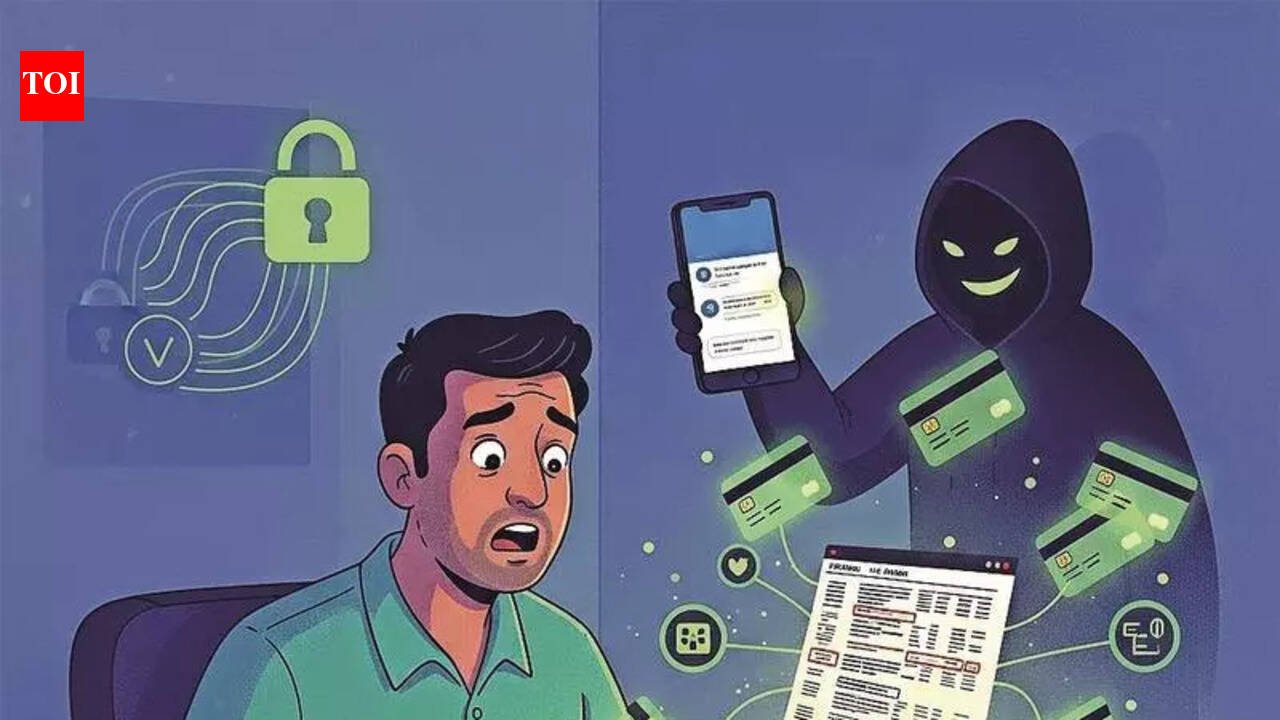
Ahmedabad: The right settings in your phone can act as a barrier cybercriminals may find difficult scaling and target sensitive data. One such setting is to disable the auto-download setting, police say, especially in the light of growing threat from APK files, which criminals send to WhatsApp groups to target a large number of users at once. Leaving this setting ‘on’ means inviting an APK file to download into the phone automatically without the user’s knowledge. Once installed, it can gain access to sensitive data, including banking credentials, SMS alerts and OTPs, and result in financial losses. Recently, a complaint was registered with cybercrime police in Aravalli district. In this case, Rs 15 lakh were wiped out from a schoolteacher’s account. Investigators said the victim unknowingly downloaded and installed an application received through a link shared in a messaging group. Soon, the teacher’s account recorded multiple transactions, with the teacher coming to know of the fraud from the cash debit messages received. Officers said several such cases have been reported from different parts of the state in recent months. In many, users were found to have kept the auto-download feature on, allowing images, videos, audio files and documents to be saved automatically. Fraudsters misuse this setting to send malware disguised as routine media files.“Sometimes the malware is embedded in what appears to be a photo, video or audio clip. Once downloaded and executed, the victim loses control of the device, and money is siphoned,” a cybercrime officer said.Police added that users often grant permissions such as access to contacts, storage, SMS and accessibility features without reading the terms. Such consent puts the device in a compromised state, giving fraudsters remote access. A majority of cases were reported from rural areas, where awareness about phone security settings remains low.


