







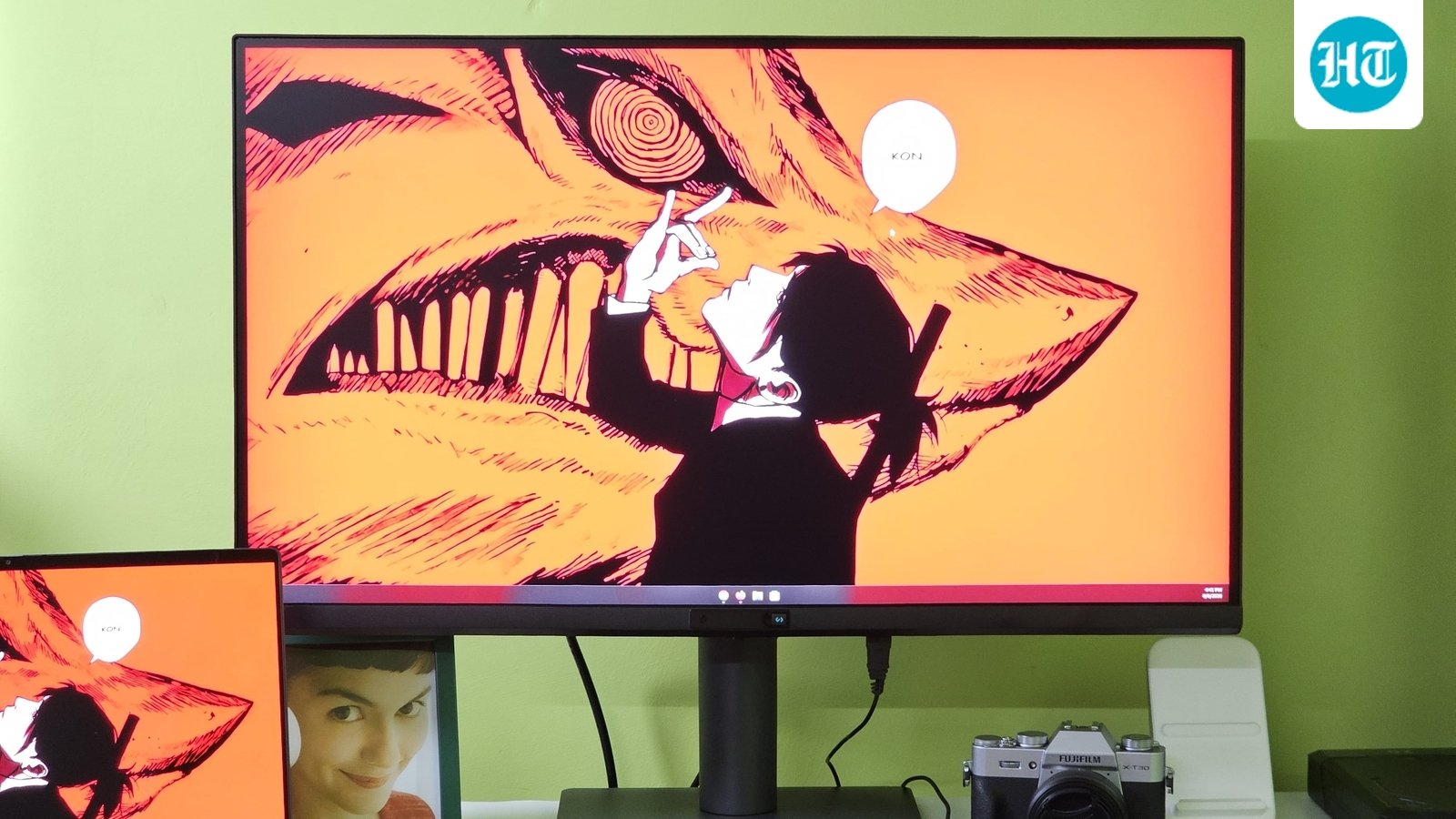
I have reviewed plenty of monitors over the years, but most of them are designed around one simple idea: give you a good display and as many features as possible. The BenQ RD270Q takes a slightly different approach. It is a 27 inch monitor designed specifically around programming and long hours of screen time, with features aimed at making text easier to read and the screen more comfortable to use. I am not a coder, so I used it mainly for writing, browsing and the kind of long screen sessions I normally spend in front of my laptop.
At ₹29,989, the BenQ RD270Q is certainly not the cheapest 27 inch QHD monitor you can buy. You can find similar display specifications for considerably less money, but BenQ has packed a lot into this monitor beyond the panel itself. After using it for a while, I found that some of those features are actually useful even if you are not a programmer.
BenQ RD270Q monitor specifications
BenQ RD270Q monitor design and stand
The first thing I noticed about the BenQ RD270Q is how solid it feels. The monitor is large, sturdy and has the kind of build quality I expect from a premium productivity monitor. Setting it up is straightforward, and the stand is one of my favourite parts because you get a lot of adjustment. You can move the screen up and down, tilt it, swivel it and even rotate it 90 degrees into portrait mode.
That last feature is particularly useful for programmers because you can turn the display vertically and get much more code on screen at once. I did not use it for coding, but even for reading long documents or working with articles, the portrait orientation can be surprisingly useful. The stand also feels sturdy enough that I never worried about the monitor moving around while adjusting it.
BenQ has also kept the design fairly clean, so it doesn’t look out of place in a home office. There is a dedicated button on the front that lets you quickly switch between the most useful colour profiles, and you can even add a custom profile of your own. There is also an automatic mode that can change the profile depending on what you are doing. It works, but I personally kept it switched off because I prefer controlling the display myself.
BenQ RD270Q monitor display
The RD270Q uses a 27 inch QHD IPS panel with a 144Hz refresh rate, 99 percent sRGB coverage and a 350 nits rated brightness. On paper, these are specifications you can find on much cheaper monitors, but the actual display experience is very good.
The picture quality is sharp, colours look good and the 144Hz refresh rate makes everything from scrolling through web pages to moving around the desktop feel much smoother. You don’t need to be a gamer to appreciate a high refresh rate, especially when you spend several hours scrolling through documents or websites.
But for me, the biggest highlight is the Nano Matte finish. It does a fantastic job of reducing reflections without making the screen look dull, and it is also easier to clean than some of the other matte displays I have used. This becomes particularly useful at night when lights around the room can otherwise reflect directly onto the screen.
I also really liked how low the brightness can go. I often find myself wishing that laptop displays could go even dimmer when I am working late at night because a bright screen can become tiring after several hours. The RD270Q gives me much more control here, and that made a noticeable difference during my late night writing sessions.
BenQ RD270Q monitor coding features
The biggest reason to buy this monitor is obviously the software and eye care features. BenQ includes dedicated Coding Modes with Light, Dark and Paper Colour options, along with features such as Night Hours Protection and Visual Optimizer. The company also says the monitor has TUV certified flicker free, reflection free and low blue light features.
I couldn’t test the monitor from a programmer’s perspective because I don’t spend my day inside an IDE, but I did use the display for long writing sessions and browsing. The ability to quickly switch profiles from the dedicated button is genuinely useful, and the very low brightness setting was probably the feature I appreciated the most.
There is also a Paper Colour mode designed to make the display look more like printed paper. I can see this being useful for people who spend hours reading documentation, PDFs or code, although I preferred the regular display modes for most of my work.
BenQ RD270Q monitor connectivity
BenQ has done a very good job with connectivity. You get HDMI 2.0, DisplayPort 1.4 and a USB Type C port that can carry the video signal and also act as the upstream connection for the USB hub. There are then two USB Type A ports and one USB Type C port at the bottom that work as downstream ports.
This setup makes the monitor much more useful as a proper workstation hub. Connect your laptop through USB Type C and you can use the monitor as the main display while also connecting peripherals to the USB ports.
The bottom ports can also charge connected devices, although the 7.5W output is fairly limited. It is enough for smaller gadgets such as a smartwatch, game controller or other accessories, but I expected at least 18W charging from these ports.
The USB Type C connection on the monitor is rated for up to 65W Power Delivery, which is much more useful for laptops and is one of the features that makes this monitor suitable for a proper single cable desk setup.
The price is high, but the feature list explains it
This is where things get interesting. At ₹29,989, the BenQ RD270Q is expensive compared with regular 27 inch QHD monitors. You can find a 144Hz IPS monitor with similar basic specifications for considerably less money.
But that’s also not really what you are buying here. BenQ has taken a fairly standard QHD IPS panel and built an entire workflow around it. You get the highly adjustable stand, dedicated coding modes, eye care features, Nano Matte coating, USB Type C connectivity with 65W Power Delivery, a USB hub and the dedicated shortcut button.
BenQ RD270Q monitor pros and cons
Pros
- Excellent 27 inch QHD display
- 144Hz refresh rate
- Very effective Nano Matte finish
- Excellent stand with 90 degree pivot
- Dedicated coding and eye care modes
- Good connectivity with USB Type C and USB hub
- 65W USB Type C power delivery
Cons
- Expensive compared with regular QHD monitors
- USB downstream charging is limited to 7.5W
- 350 nits brightness is not particularly high
BenQ RD270Q monitor: Should you buy it?
The BenQ RD270Q is not the monitor I would recommend to someone simply looking for a 27 inch QHD display. There are plenty of cheaper options that can give you similar basic specifications. But if you spend hours every day reading, writing or coding, the RD270Q’s combination of eye care features, matte finish, flexible stand and quick access to different display modes starts to justify the extra money.
For me, the biggest surprise was that even without being a programmer, I found the monitor genuinely useful for my long writing sessions. The ability to get the brightness extremely low, the reflection free display and the comfortable stand made a difference to how I used it. It is expensive, but BenQ has clearly tried to make this more than just another QHD monitor, and that is ultimately what you are paying for.
Read more reviews
Samsung Galaxy Book6 Pro Review: A creator’s dream that finally matches the MacBook’s efficiency?
Asus ROG Flow Z13 KJP review: A gaming tablet straight out of the Death Stranding universe
Dell XPS 16 (2026) review: The signature XPS is back but creators may want more
Disclaimer: At Hindustan Times, we help you stay up-to-date with the latest trends and products. Hindustan Times has an affiliate partnership, so we may get a part of the revenue when you make a purchase. We shall not be liable for any claim under applicable laws, including but not limited to the Consumer Protection Act, 2019, with respect to the products. The products listed in this article are in no particular order of priority.


