


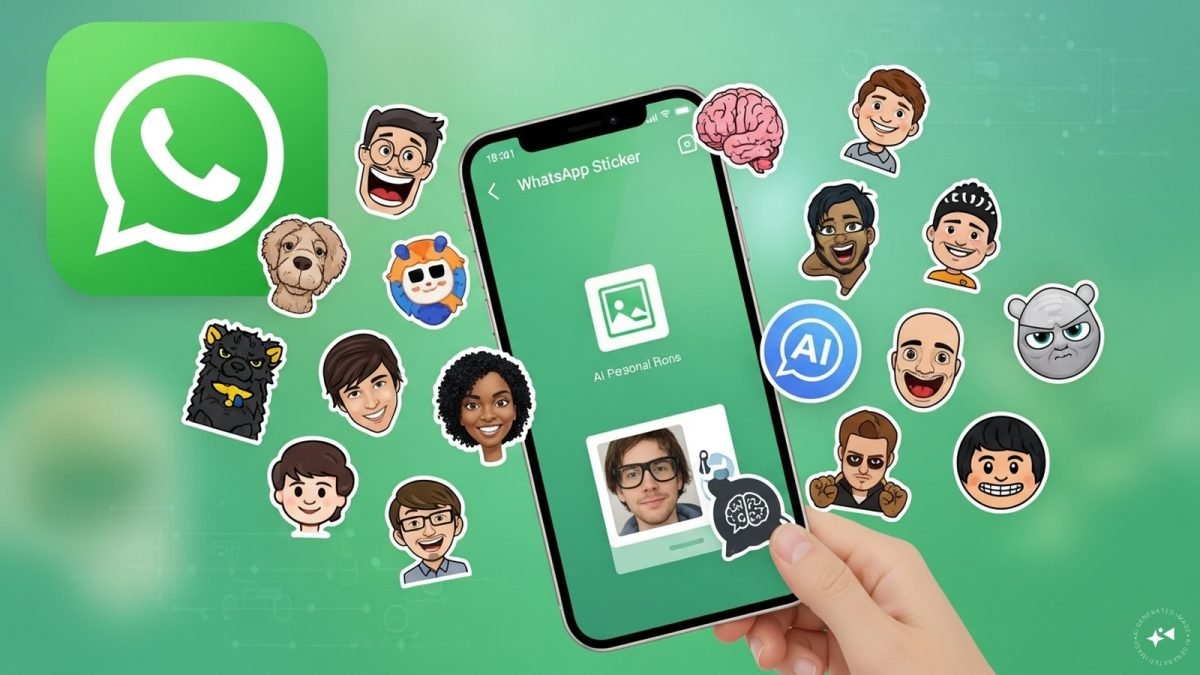
How to Create Custom Stickers on WhatsApp?
1. Open the stickers section in a chat.
2. Tap Create or the pencil icon.
3. Select a photo from your gallery or take a new one.
4. Use the preview screen options:
– Add sticker emoji to your sticker.
– Add text using the T icon.
– Draw on the sticker with the pencil icon.
– Dismiss with the X icon.
5. Tap ‘>’ to send your sticker.
How to Generate AI Stickers on WhatsApp?
1. Open the stickers section.
2. Tap Create.
3. Select Generate with AI.
4. Enter a brief description of the desired sticker.
5. Tap Generate to view options.
6. Choose a sticker and save it.
How to Create a Sticker Pack on WhatsApp?
1. Open the stickers section.
2. Tap Create or the pencil icon.
3. Select one or more stickers.
4. Tap the three-dot menu.
5. Choose Add to sticker pack.
6. Select New sticker pack.
7. Name the pack and save it.
How to Add Stickers to an Existing Pack on WhatsApp?
1. Open the stickers section.
2. Tap Create or the pencil icon.
3. Select the sticker to add.
4. Tap the three-dot menu.
5. Choose Add to existing sticker pack.
6. Select the desired pack and save.
How to Share Sticker Packs on WhatsApp?
1. Open the stickers section.
2. Find the pack to share.
3. Tap the three-dot menu next to the pack name.
4. Tap Share sticker pack.
5. Choose a chat and send it.
6. The recipient can add the shared pack to their stickers.
What are the Sticker Pack Rules on WhatsApp?
1. A pack must contain at least 3 stickers.
2. A pack can have up to 30 stickers.
3. Only self-created stickers can be added to custom packs.
4. Default WhatsApp stickers cannot mix with custom packs.
How to Organise Stickers on WhatsApp?
1. Create stickers using photos or AI.
2. Save stickers automatically upon creation.
3. Organise stickers into packs later.
How Stickers are Uploaded on WhatsApp?
1. Stickers must be created within the app.
2. No direct uploads from phone storage.
3. Use gallery photos or AI generation.
Why Use Stickers on WhatsApp?
1. Quick reactions.
2. Express emotions.
3. Share jokes and inside references.
What are the Limits of WhatsApp Stickers?
1. Stickers must be created within WhatsApp.
2. Third-party apps are not needed.
